Blog

  • How to Prepare for Rewiring Your Property

    How to Prepare for Rewiring Your Property

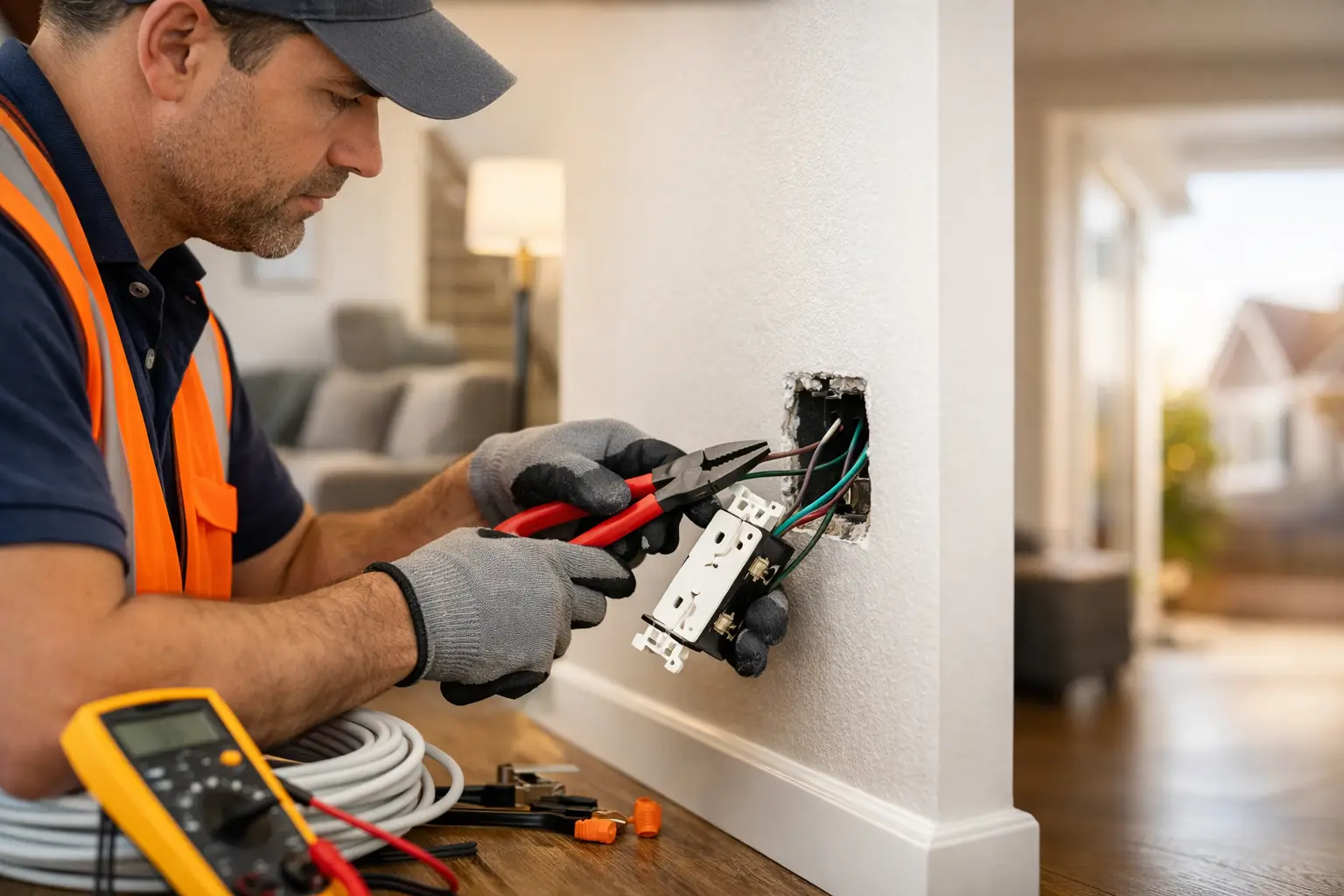
    A full rewire is one of the most worthwhile upgrades you can make to an older property, but it does involve more than changing a few power points. Knowing how to prepare for rewiring helps protect your belongings, keeps the work moving, and gives your electrician the information needed to design a safer electrical system around the way you live or work.

    Whether you are renovating a family home, updating a rental, or improving a commercial space, early preparation can reduce surprises once work begins. The goal is not to make the job complicated. It is to create clear access, make informed decisions before walls are opened, and plan for the short-term disruption that comes with long-term electrical safety.

    Confirm what the rewiring project includes

    Start with a detailed site assessment and written scope from a licensed electrician. Rewiring can mean different things depending on the condition of the existing installation. Some properties need selected circuits replaced, while others require a full replacement of wiring, switchboard components, outlets, switches and earthing arrangements.

    Ask which areas are included, whether the switchboard needs upgrading, and how the electrician will manage access to wiring in walls, ceilings and under floors. This is also the right time to discuss patching. Electrical contractors generally make safe access openings where needed, but painting, plaster repairs and decorative finishes may sit outside the electrical scope unless agreed otherwise.

    For commercial premises, clarify whether the project will be staged around trading hours, tenants, staff access or critical equipment. A well-defined plan prevents assumptions and makes it easier to schedule other trades.

    Make electrical decisions before work starts

    A rewire is the best time to think beyond replacing old cables like for like. Your property may need more power points, better lighting, dedicated circuits or capacity for technology you plan to add later. Decisions made before cabling begins are usually simpler and more cost-effective than changes requested after walls are closed.

    Walk through each room and consider how it is actually used. Think about furniture placement, home office equipment, kitchen appliances, television locations, outdoor entertaining areas and storage spaces. In a business, consider workstations, machinery, point-of-sale equipment, data needs, emergency lighting and security coverage.

    It can help to mark preferred locations with painter’s tape or create a simple room-by-room note. Include the height and position of switches, the number of power points needed, and whether you want USB charging outlets, dimmers, exhaust fans or hardwired smoke alarms where required.

    Also discuss future-ready additions. An EV charger, solar system, battery, electric cooktop, air conditioning upgrade, outdoor lighting or integrated security system may change the capacity and circuit design required. You do not need to install every feature immediately, but allowing for suitable pathways and switchboard capacity can avoid unnecessary disruption later.

    Do not plan around extension leads

    Extension leads and overloaded power boards are often signs that a property does not have enough conveniently located outlets. They are not a long-term substitute for properly designed circuits and power points. Tell your electrician where these temporary solutions are currently being used so the new layout can address the cause, not just the symptom.

    Clear rooms and create safe access

    Electricians need safe, practical access to switchboards, ceilings, wall cavities and outlets. Before the team arrives, move furniture away from walls where possible and clear items from cupboards or storage areas that contain electrical points. In roof spaces, remove stored boxes and ensure the access point is available.

    Protect delicate furniture, electronics, artwork and valuables by moving them to an unaffected room or off site. Dust sheets help, but rewiring can involve lifting floor coverings, accessing plasterboard or working in ceiling spaces. The more clear working room available, the safer and more efficient the job can be.

    Outside, make sure gates are unlocked and access paths are free from trip hazards. If the switchboard is in a garage, shed or side passage, move vehicles, garden tools and stored items away from it. For businesses, nominate a site contact who can provide access to locked rooms, plant areas or tenancy spaces as required.

    If you live in an apartment, townhouse complex or managed property, check access requirements in advance. Building management may require notice for contractor parking, lift use, common-area access or work that affects shared electrical infrastructure.

    Plan for power interruptions and daily disruption

    Power may need to be isolated while circuits, switchboards or final connections are being worked on. The duration depends on the size of the project and the condition of the existing system. Your electrician should explain when outages are likely and whether temporary power can be arranged for parts of the property.

    Before the work date, charge mobiles, laptops, battery packs and essential medical devices. Back up important computer files and safely shut down desktop equipment. Check your fridge and freezer plan if power will be off for an extended period, particularly in warm weather. Avoid opening fridge or freezer doors unnecessarily during an outage.

    If you work from home, arrange an alternative workspace for the affected days. Households with infants, elderly family members, pets or people who rely on powered equipment should raise these needs during planning. There may be ways to stage the work, but it depends on the electrical layout and safety requirements.

    For businesses, identify systems that cannot simply be switched off. This may include servers, alarms, refrigeration, access control, medical equipment, production equipment or point-of-sale systems. Make a shutdown and restart plan with your electrician and relevant suppliers before work begins.

    Prepare for dust, noise and occupied spaces

    Rewiring is not usually a quiet, invisible upgrade. Cutting access points, drilling, lifting fittings and moving through roof spaces can create noise and dust, even when the work is carefully managed. If the property is occupied, set aside one or two rooms as protected spaces where trades will not need access.

    Keep children and pets away from work zones. Electrical work areas may contain tools, open wall sections, cables and temporary barriers that should not be disturbed. Let neighbours know if the work will involve daytime noise, shared accessways or contractor vehicles nearby. A quick conversation is often enough to avoid frustration.

    For rental properties, owners and property managers should provide appropriate notice to tenants and clearly communicate the expected work hours, access arrangements and planned interruptions. Tenants are more likely to cooperate when they understand why the work is being done and what to expect each day.

    Share property information early

    Older homes can hold a few surprises behind walls and ceilings. Give your electrician any information you have about previous renovations, known electrical faults, roof leaks, pest damage, asbestos-containing materials or areas where cables may have been altered. Even incomplete information is useful.

    If you have existing plans, past electrical certificates, switchboard photos or appliance specifications, have them ready for the consultation. These details can help identify circuit demands and avoid incorrect assumptions. Never remove covers, test wiring or investigate concealed cables yourself. Electrical safety work must be carried out by a licensed professional.

    It is also worth confirming who will be present to make decisions during the project. Small questions can arise once access is gained, such as the best position for a switch or whether an additional outlet is worthwhile. A responsive contact person keeps the job on track without compromising workmanship.

    Check the finish before furniture goes back

    Once rewiring is complete, take time to walk through the property with your electrician. Confirm that switches, power points, lighting and safety devices are in the agreed locations. Ask how the updated switchboard is labelled, where any isolation points are located, and what paperwork you should retain.

    Wait until dust has settled and any wall repairs are complete before returning furniture tightly against walls. Test your everyday equipment over the following days and report any concerns promptly. A professional installation should leave you with an electrical system that is safer, more practical and ready for the demands of modern living or business operations.

    Good preparation gives your electrician room to do the job properly. If you are planning a rewire, a clear consultation with a licensed team such as Voltricity is the best place to start – it turns a disruptive project into a considered upgrade that supports your property for years to come.
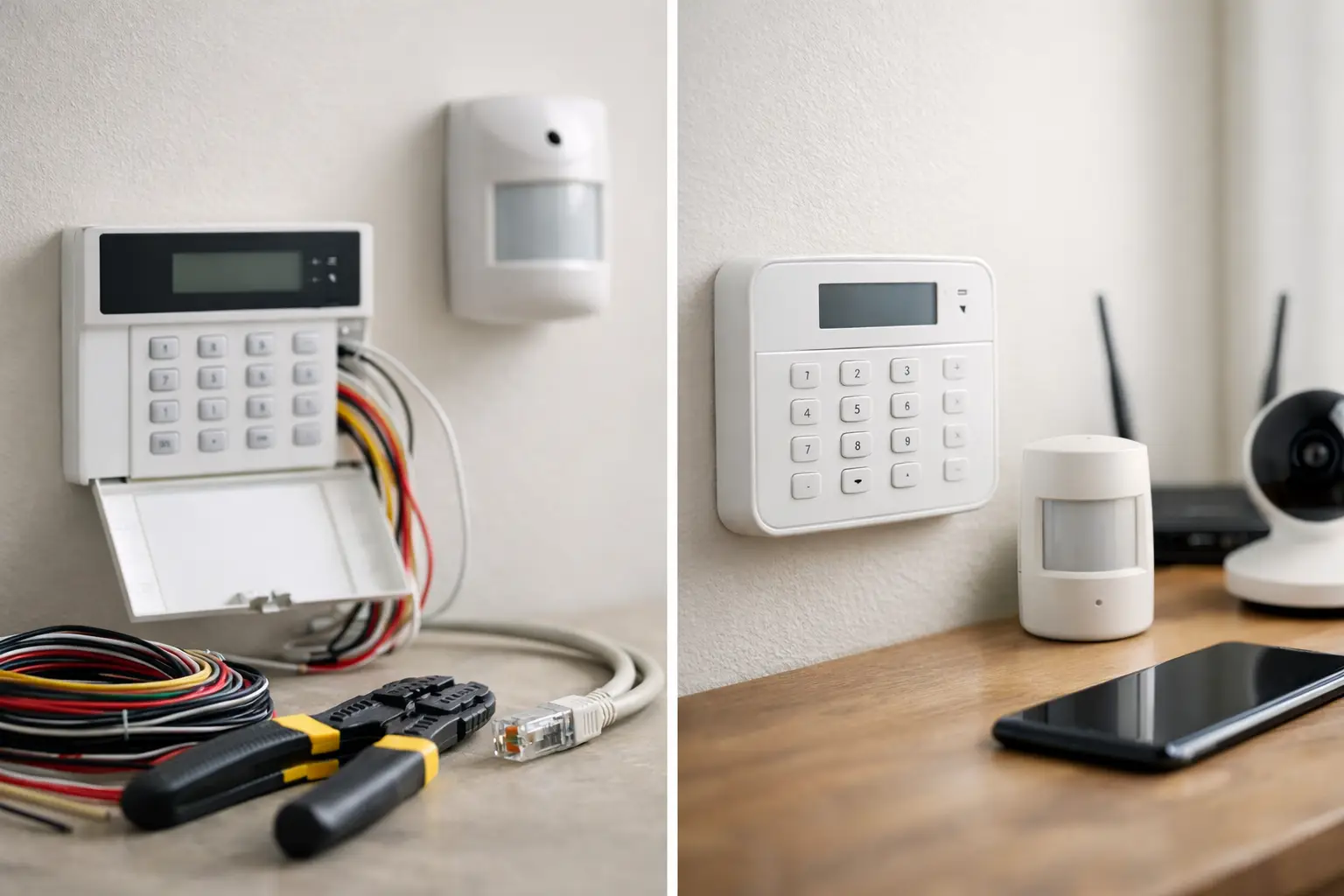
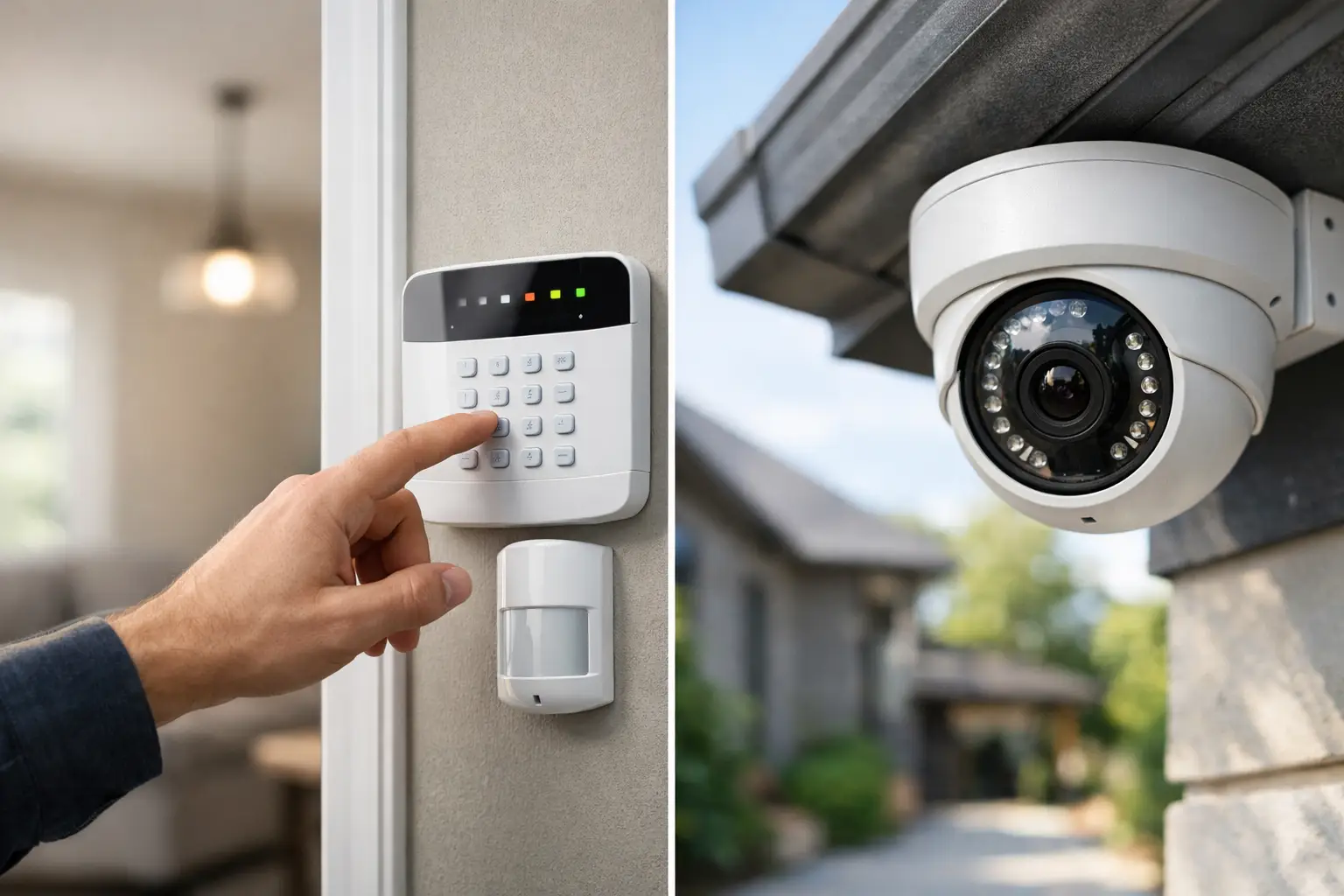
  • Wired vs Wireless Alarms: Which Is Right for You?

    Wired vs Wireless Alarms: Which Is Right for You?

    A security alarm is only useful if it is armed, powered and capable of raising the alert when it matters. That is why the wired vs wireless alarms decision should start with your property, daily routine and level of risk – not simply the lowest installation price.

    For a newly built home, a busy retail shop or a commercial site with fixed operating hours, a wired system may offer the long-term certainty you want. For an established house, rental property or premises where opening walls is impractical, wireless equipment can deliver strong protection with far less disruption. The right answer is often more practical than technical.

    Wired vs wireless alarms at a glance

    A wired alarm system connects sensors, keypads, sirens and other components to the control panel with physical cabling. Most devices receive power through those cables, while the main panel has a backup battery to keep operating during a power outage. Because each device is hardwired, the system does not rely on a radio signal between the sensor and panel.

    A wireless alarm system uses radio communication between its devices and the control panel. Sensors are battery-powered, so they can be positioned without running new cables through ceilings, walls or floor cavities. Modern wireless systems can include door contacts, motion detectors, panic buttons, sirens, app access and professional monitoring options.

    Both can be highly effective when they are properly designed, installed and maintained. The difference comes down to reliability requirements, building access, future changes and how much ongoing maintenance you are comfortable managing.

    When a wired alarm makes more sense

    Wired alarms are a strong choice for new builds, major renovations and commercial fit-outs. When walls and ceilings are already open, running alarm cabling alongside electrical work is usually more efficient and keeps the finished installation neat. Sensors can be placed exactly where they are needed without concern about battery access or wireless signal range.

    For larger premises, wired systems are often easier to scale. A warehouse, office, medical practice or multi-room retail space may have many access points, internal zones and areas that need different arming schedules. Hardwired devices provide consistent communication across the site and reduce the number of batteries that need scheduled replacement.

    They are also well suited to properties where long-term reliability is the priority. Wired sensors do not depend on individual batteries, and the physical cable connection is not affected by typical radio interference from nearby equipment. A backup battery at the alarm panel remains essential, as it supports the system if mains power is interrupted.

    The trade-off is installation complexity. Retrofitting cables into an existing home or finished business can involve roof access, wall penetrations, patching or surface conduit in some areas. The labour cost can be higher, particularly in double-storey buildings, concrete construction or sites with limited ceiling access.

    Benefits of a wired system

    A wired alarm typically offers dependable device communication, minimal sensor battery maintenance and a discreet finish when installed during construction. It can also be a sensible foundation for an integrated security plan that includes access control, CCTV and monitored alarm reporting.

    That does not mean wired is automatically better. If installing cables requires significant building work, the extra cost and disruption may outweigh the benefits for your particular property.

    When wireless alarms are the practical choice

    Wireless alarms are designed for flexibility. They are particularly useful in established homes where you want stronger security without cutting into plasterboard or lifting flooring. A sensor can be fitted to a door, window or room with considerably less disruption than a hardwired alternative.

    This flexibility is valuable for property managers and business operators too. If a tenancy changes, an office layout is reconfigured or a storage area is added, wireless sensors can often be relocated or expanded more easily. For homes, wireless systems can make it simpler to protect a detached garage, shed or granny flat, provided the signal path is confirmed during design.

    Modern wireless equipment is far more capable than the basic DIY kits many people picture. Professionally specified systems can supervise device communication, report low batteries and send alerts through an app or monitoring service. However, quality matters. Devices need to be compatible, installed within their rated range and tested in the real conditions of your property.

    Wireless alarms do require a maintenance routine. Each sensor battery has a service life, but it will vary based on the device, usage, temperature and signal conditions. A low-battery notification is helpful, but it is not a substitute for arranging replacement promptly. A sensor with a flat battery cannot protect its zone.

    Common wireless considerations

    Radio performance can be affected by distance, metal framing, concrete walls, foil insulation and other electronic equipment. A good installer checks communication strength rather than assuming every corner of the building will perform the same way. The control panel, communication module and external siren also need careful placement to reduce the opportunity for tampering.

    Wireless systems are not inherently less secure than wired ones. They use supervised communication and security features designed to identify faults or interference. Still, a professionally installed system with correct device placement is a better investment than a collection of off-the-shelf sensors fitted without a site assessment.

    Installation cost is only part of the decision

    Wireless alarm installation is often less expensive upfront because there is less cable running and less making good after the work. That can make it attractive for an existing home or a small business that needs protection quickly.

    Wired systems can cost more to install, especially as a retrofit, but may have lower device maintenance costs over time. The real comparison is not only the quote you receive today. Consider the likely life of the system, whether the building will be renovated, how often the layout changes and whether you want to add cameras, access control or monitoring later.

    For example, a homeowner planning a full renovation may save money by including alarm cabling in the electrical scope now. A business moving into a leased office for three years may prefer a wireless system that can adapt to the tenancy and potentially move with the business.

    Power, communications and monitoring matter

    Whether an alarm is wired or wireless, the panel needs a reliable power supply and battery backup. It also needs a way to notify you or a monitoring centre when an alarm activates. That may be through a mobile communications module, internet connection or a combination of communication paths.

    Do not assume a home internet connection alone is enough for every site. Consider what happens if the modem loses power, the internet service fails or an intruder damages accessible cabling. The appropriate setup depends on the risk level of the property and the response you need after an alarm event.

    For commercial premises, monitoring procedures deserve as much attention as the hardware. Decide who receives alerts, who can attend after hours, how keys or access codes are managed, and what happens if an alarm is activated repeatedly. An alarm system is part of a security process, not a replacement for one.

    A hybrid system may give you the best result

    The choice does not always have to be entirely wired or entirely wireless. Hybrid alarm panels can support both types of devices. This approach works well when a property has existing alarm cables in usable locations but needs extra protection in areas where running new cable would be difficult.

    You might use wired contacts on frequently used doors, fixed motion sensors in main internal areas and wireless devices for a garage, extension or difficult-to-reach window. A hybrid design can also help stage security upgrades, allowing the system to grow as your needs and budget change.

    Choose the system around your property, not the box

    Before selecting equipment, walk through the property with a security professional and identify how someone could gain entry, which areas hold valuable stock or personal items, and how occupants move through the building. Consider pets, large windows, external doors, roller shutters, detached structures and after-hours access requirements.

    If your project also involves new wiring, a switchboard upgrade, CCTV, lighting or access control, coordinating the work can avoid duplicated labour and leave you with a more considered result. Voltricity can assess the electrical and security requirements together, then recommend an alarm layout that suits the building rather than forcing a one-size-fits-all package.

    The best alarm is the one that fits the property, is straightforward to use and is maintained properly. Choose a system you will arm every day, test regularly and trust when the building is empty.

  • Home Alarm vs CCTV for Better Property Security

    Home Alarm vs CCTV for Better Property Security

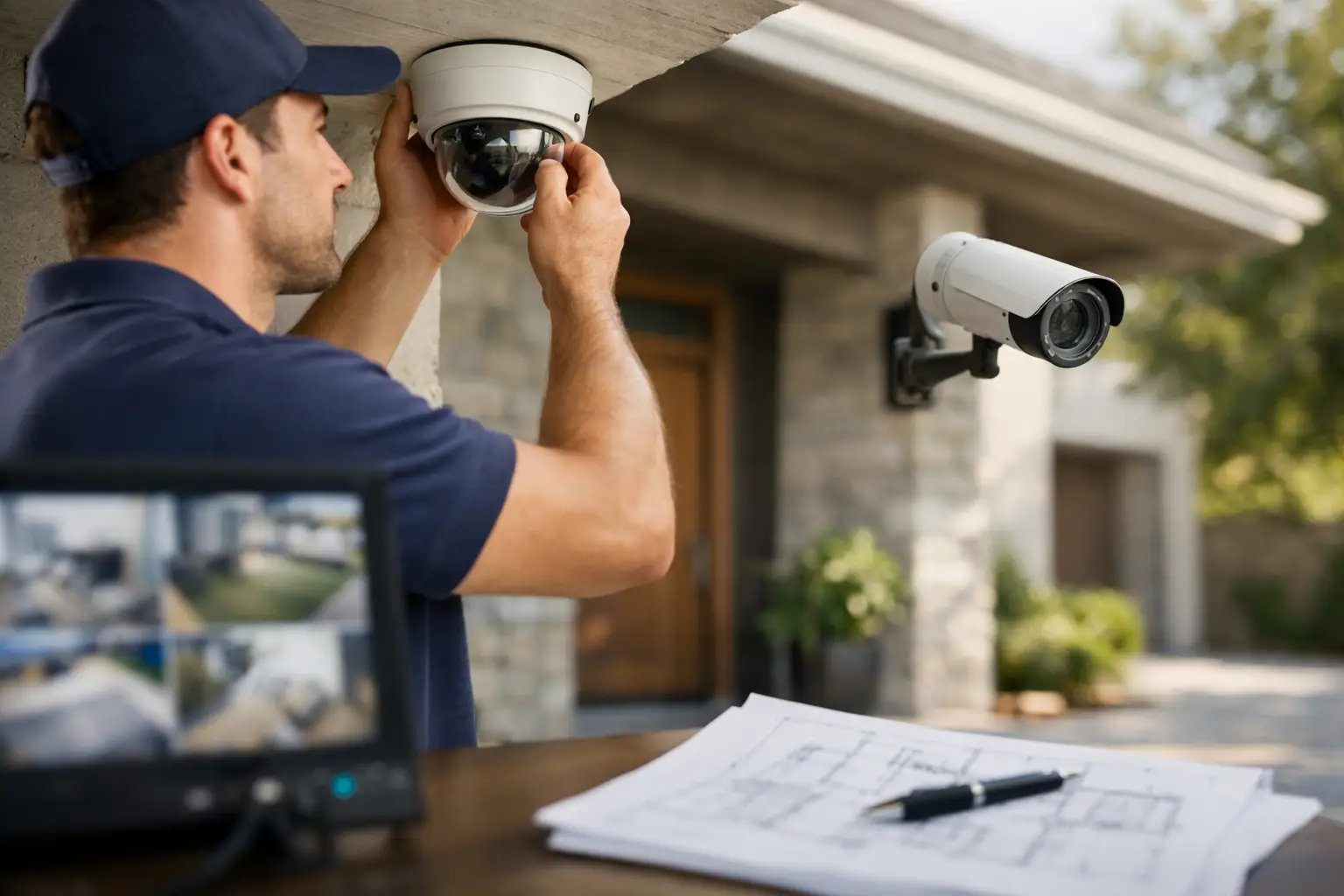
    A locked front door is a good start, but it does not tell you what happened when someone tests it. When weighing up home alarm vs CCTV, the best choice comes down to the risk you want to manage: do you need an immediate warning, a clear record of activity, or both? For most homes and businesses, security works best when it is planned around the property rather than bought as a one-size-fits-all package.

    An alarm system and CCTV solve different problems. An alarm is designed to detect unauthorised entry and raise the alarm quickly. Cameras give you visibility, help deter opportunistic behaviour and provide footage that may be useful after an incident. Understanding where each system performs well makes it far easier to invest with confidence.

    Home alarm vs CCTV: the core difference

    A home alarm system responds to a trigger. This might be a door or window opening, movement in a protected area, glass breakage, or an outdoor beam being crossed. Depending on the system, it can sound a siren, send an alert to your mobile, notify a monitoring provider, or do all three.

    Its strongest advantage is speed. If someone forces entry while you are asleep, away, or operating a business after hours, an alarm creates an immediate disruption. A loud siren can encourage an intruder to leave quickly, while remote notifications let you decide whether to check cameras, contact a neighbour, or call the police.

    CCTV, by contrast, watches and records. Modern cameras can cover entry points, driveways, car parks, reception areas, stock rooms and outdoor spaces. Many systems allow live viewing on a mobile, recording to local storage or the cloud, and motion alerts when activity is detected.

    The value of CCTV is context. You can see whether an alert was caused by a delivery driver, a family member, an animal or a genuine security concern. If an incident occurs, recorded footage can help establish what happened, when it happened and who was involved.

    Neither option is automatically better. An alarm is more active in the moment. CCTV is more informative before and after an event. A camera without a monitored alert may record a break-in without stopping it, while an alarm without cameras may trigger without telling you why.

    When an alarm system is the better first step

    For properties where fast notification matters most, an alarm is often the priority. This includes occupied homes, holiday homes left vacant for extended periods, small offices, retail premises and sites with tools or valuable stock.

    A properly designed system protects the routes an intruder is most likely to use. Rather than placing sensors everywhere, a licensed installer can identify practical coverage for doors, accessible windows, hallways and key internal zones. This reduces unnecessary devices while helping ensure the system responds when it should.

    Alarms are also a sensible choice if privacy is a major concern. Internal cameras can make some households, tenants or staff uncomfortable, particularly in shared spaces. Door contacts, motion sensors and perimeter detection can protect the property without constantly recording inside it.

    There are trade-offs. An alarm cannot show you what caused the activation unless it is paired with cameras. It also needs thoughtful placement and setup to minimise false alarms. Pets, open windows, poorly positioned sensors and user error can all create nuisance notifications. Quality equipment, correct programming and a clear handover make a significant difference.

    For a family home, features such as separate arming zones can be useful. You may want perimeter protection active overnight while allowing movement through bedrooms or living areas. For a business, different user codes can make it easier to track access and manage staff changes without sharing one general code.

    Alarm monitoring: is it worth it?

    Professional monitoring adds another layer of response. When the alarm is activated, a monitoring centre can follow an agreed procedure, such as contacting nominated keyholders or escalating the matter. This can be particularly valuable for business owners, property managers and people who travel regularly.

    It is not essential for every property. Some owners are comfortable receiving app alerts and managing the response themselves. The right approach depends on how quickly you can attend the site, the level of risk, and whether there is someone reliable available after hours.

    When CCTV offers greater value

    CCTV is particularly effective where visibility is the main gap. A camera positioned at the front entry can show who approached the door. Driveway coverage can help monitor vehicles, deliveries and after-hours activity. Cameras around a commercial building can support safer access, oversee external areas and discourage trespassing.

    Visible cameras can be a useful deterrent, especially when combined with clear signage and adequate outdoor lighting. Opportunistic offenders generally prefer properties that appear easy to access without being seen. Well-positioned cameras signal that the site is actively considered and protected.

    For business operators, footage can also assist with non-break-in issues. It may help clarify delivery disputes, damage in a car park, unauthorised access, or incidents around entrances and common areas. Property managers may benefit from cameras in appropriate shared external locations, subject to privacy obligations and the needs of residents.

    Camera quality matters more than many people expect. A low-resolution camera or poor lens placement may provide little useful detail when it is needed most. Strong backlighting, darkness, glare, weather exposure and the distance to a subject all affect what footage captures.

    A professional CCTV design considers the purpose of each camera. Is it intended to identify a person at a front gate, observe general movement in a yard, read a number plate at a driveway, or cover a broad commercial area? One camera type and position will not suit every job.

    Privacy and placement matter

    CCTV should protect your property without unnecessarily recording your neighbours’ private spaces. Avoid aiming cameras into adjoining homes, bathrooms or areas where people reasonably expect privacy. For workplaces and strata environments, clear policies and appropriate signage are equally important.

    Placement also determines whether cameras are useful at night. Infrared capability can help, but it is not a substitute for considered lighting. Outdoor lighting designed to reduce dark approaches and eliminate glare can improve both safety and image quality. This is one reason electrical and security planning often work well together.

    Why a combined system is often the practical answer

    For many Australian properties, the strongest setup combines alarms and CCTV. The alarm draws attention to a possible intrusion. Cameras let you verify the event remotely and preserve footage. Together, they remove much of the uncertainty that comes with relying on one system alone.

    Imagine an after-hours alert at a small business. With an alarm only, you know a protected zone has been triggered but may not know whether it is an intruder or an accidental activation. With cameras linked to the property, you can view the relevant area before deciding how to respond. That can be reassuring and can help avoid unnecessary call-outs.

    At home, a video doorbell or front camera may handle daily visibility, while an alarm protects entry points and internal areas when the property is vacant. Larger homes may benefit from cameras covering side access, sheds, gates and driveways, alongside alarm sensors at likely entry locations.

    The combined approach does not need to be excessive. A well-planned system can start with the most vulnerable points and allow for future expansion. This is often more cost-effective than fitting equipment quickly, then discovering blind spots or compatibility issues later.

    Choosing the right security setup for your property

    Start by considering how the property is used. A family home with children and pets has different requirements from a warehouse, medical practice, rental property or retail shop. Think about when the site is empty, which areas are difficult to see from the street, what valuables need protection, and whether there have been previous incidents nearby.

    Also consider the practical side of ownership. Who needs access to the system? Do you need mobile alerts? Is internet coverage reliable? Will cameras require recording retention for several days or several weeks? Do you want a system that can integrate with access control, lighting or future building upgrades?

    Avoid selecting security equipment based on device count alone. More cameras do not always mean better coverage, and more sensors can create complexity without improving protection. The goal is clear coverage, reliable detection and an interface that you will actually use.

    A site assessment by a licensed electrician and security professional can identify suitable camera heights, cable routes, power requirements, lighting improvements and sensible alarm zones. At Voltricity, the focus is on tailored installation, tidy workmanship and a security solution that suits how you live or operate.

    The most useful security system is the one that gives you a clear response when something is wrong and confidence when everything is quiet. Whether you begin with an alarm, CCTV or an integrated setup, planning it around your real risks will protect your investment far better than choosing on price alone.

  • EV Charger Installation Guide for Australian Homes

    EV Charger Installation Guide for Australian Homes

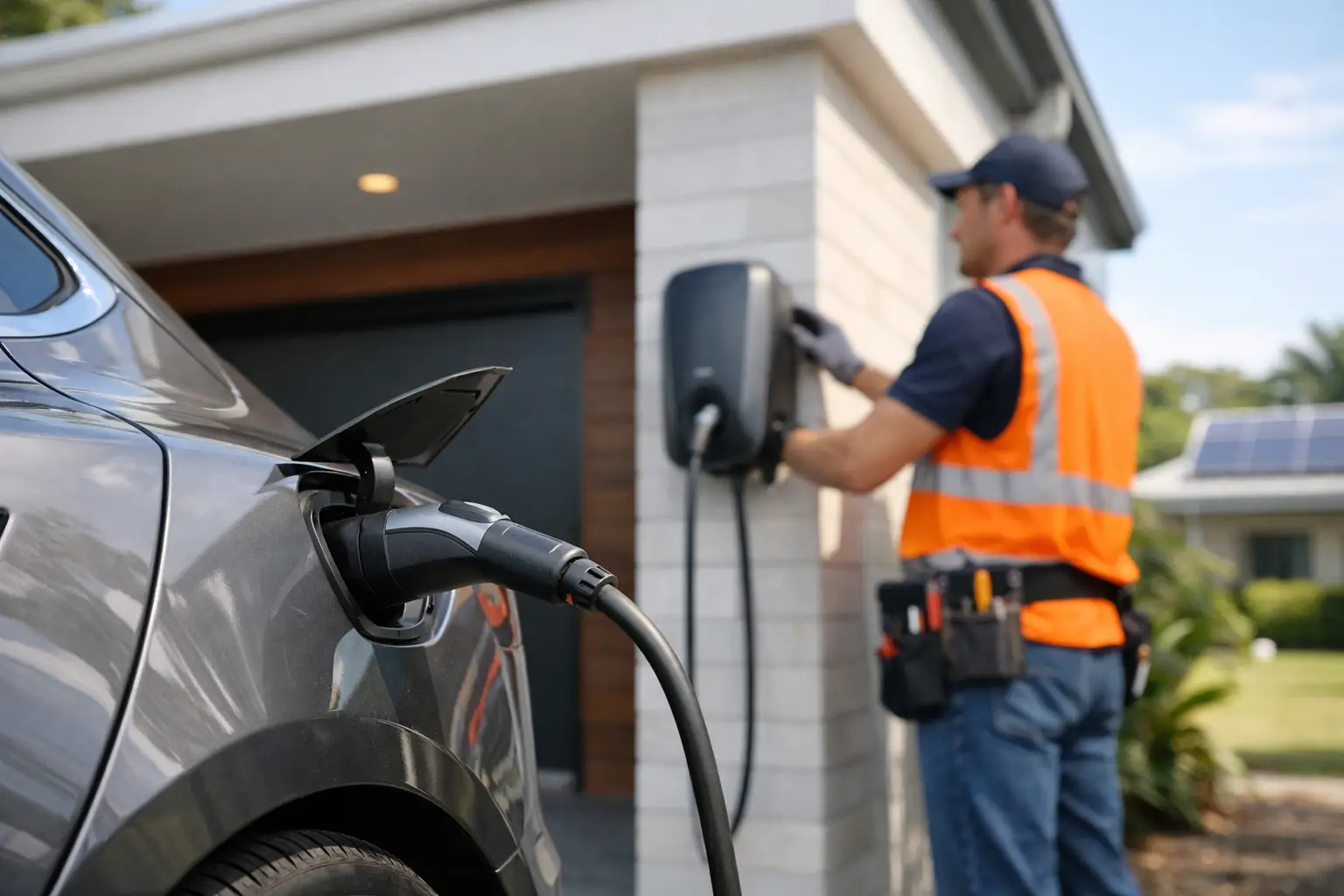
    A home EV charger can make the daily drive far simpler, but the charger on the wall is only one part of the job. A safe EV charger installation guide starts with your property’s electrical capacity, where the vehicle parks and how you actually use it. Get those decisions right first and you can charge reliably overnight, protect your electrical system and avoid paying to relocate or upgrade equipment later.

    For homeowners, property managers and businesses, the goal is not simply to install the fastest charger available. It is to install a charging solution that suits the vehicle, site and future demand while meeting Australian electrical safety requirements.

    Start with your charging habits

    Before choosing equipment, consider how far the vehicle travels on an average day and how long it is normally parked at home or at work. Most drivers do not need to replenish a full battery every night. If a car is parked for eight to 10 hours, a correctly selected AC charger will usually provide more than enough energy for everyday driving.

    A dedicated wall-mounted charger is generally more convenient and durable than relying on a portable charging lead. It can also offer scheduled charging, load management and app controls, depending on the model. Scheduling is useful when you want to make the most of off-peak electricity periods or solar generation.

    The vehicle’s onboard charger also matters. A unit capable of higher output will not necessarily charge your EV faster if the vehicle accepts less power. This is why the charger should be selected around the car and the property, not just the biggest number on the box.

    EV charger installation guide: assess the electrical supply

    Your electrician should inspect the switchboard and existing electrical load before recommending a charger size. EV charging is a substantial, sustained load, particularly when it runs overnight alongside heating, cooling, cooking, hot water and pool equipment.

    Many Australian homes have single-phase power. A 7 kW charger is a common choice where the supply and switchboard capacity allow it. Properties with three-phase power may have more options, including 11 kW or 22 kW charging, but the best option still depends on the vehicle, available supply and the household’s maximum demand.

    Older switchboards deserve particular attention. Ceramic fuses, limited circuit space, ageing cabling or inadequate safety switches may mean a switchboard upgrade is needed before the charger can be connected. This is not an unnecessary add-on. The charger needs a correctly sized dedicated circuit, suitable circuit protection and installation that complies with applicable Australian standards and manufacturer requirements.

    Load management can prevent costly upgrades

    In some homes, the available supply is close to its practical limit at busy times. Load management allows the charger to reduce or pause charging when other major appliances are running, then resume when capacity is available. It can be a sensible alternative to a larger supply upgrade, especially for homes with ducted air conditioning, electric cooking or multiple high-load appliances.

    It does involve a trade-off. Charging may be slower at peak household-use times, but for vehicles parked overnight that often makes little difference. Your electrician can assess whether a fixed charging rate or dynamic load management is the better fit.

    For commercial sites, the calculation is broader. Existing building demand, tenancy arrangements, operating hours, future chargers and electricity metering all need to be considered. Installing one charger without a plan for the next five can create avoidable disruption when the site expands.

    Choose a location that works every day

    The most practical charger location is usually near the regular parking position, with the cable able to reach the vehicle inlet without stretching across a walkway, driveway or footpath. The cable should be easy to manage and protected from damage when not in use.

    In a garage, that might mean installing the unit beside the driver’s door or near the front of the vehicle. On an external wall, the charger should be rated and installed for the conditions it will face, including weather, heat, water exposure and potential impact. A driveway location may require extra protection from vehicles.

    Cable route has a direct effect on cost. A charger mounted close to the switchboard is often simpler and less expensive to install than one on a detached garage, carport or far end of a long driveway. That does not mean the nearest location is automatically best. A neat, protected cable route and a charger that is genuinely convenient to use are worth planning for.

    For apartment buildings and strata properties, installation requires more coordination. The parking bay may be common property, supply capacity may be shared, and approval requirements can apply. Property managers should establish a consistent approach early, including who owns the charger, how electricity is measured and how future requests will be handled.

    Select charger features that match the site

    Most residential charging decisions come down to a tethered or untethered unit. A tethered charger has a fixed cable, which is quick and convenient for daily use. An untethered charger has a socket instead, allowing the driver to use their own cable and potentially making the unit more adaptable if vehicle connection types change.

    Smart features can be worthwhile where they solve a real problem. Scheduled charging can support electricity tariff planning, solar-aware charging can help use available rooftop generation, and access controls can be useful at workplaces or shared car parks. For a single household with predictable charging, a dependable unit with the right electrical design may be more valuable than a long feature list.

    When comparing chargers, check the warranty, local support, weather rating, cable length and compatibility with your vehicle. Avoid treating a charger as a plug-and-play appliance. The equipment, electrical protection and installation method work together as one system.

    What a licensed installation should include

    EV charger work must be completed by a licensed electrician. Aside from the legal and safety obligations, a professional installation gives you confidence that the charger has been assessed, installed, tested and commissioned correctly.

    A thorough job generally includes an on-site assessment, a review of the switchboard and supply, confirmation of the charger location, installation of a dedicated circuit and required protection, secure mounting, cable containment where needed, testing and clear handover. Your electrician should also explain basic operation, scheduled charging settings and what to do if the unit indicates a fault.

    Ask for transparent pricing that identifies any likely variables. A straightforward installation may be priced differently from work involving long cable runs, trenching, a detached structure, switchboard upgrades, three-phase alterations or load-management equipment. A clear quote helps you compare scope, not just the lowest initial figure.

    Avoid DIY and improvised charging setups

    Using extension leads, adapting outlets or asking an unlicensed person to add a circuit can create serious risk. EVs draw power for long periods, so poor connections and undersized wiring can overheat. A dedicated, professionally installed charger is designed to provide a safer and more reliable daily solution.

    Portable charging equipment can be useful when travelling or as a temporary option, but it should only be used as intended by the vehicle manufacturer and connected to an appropriate outlet. If you are relying on it every day, it is time to discuss a permanent installation.

    Plan for solar, batteries and the next vehicle

    An EV charger can work well alongside solar, but solar panels do not automatically mean free charging. Generation varies with weather, season and the time the vehicle is parked at home. Smart charging may allow the vehicle to increase charging when surplus solar is available, while scheduled overnight charging may still be the most practical routine for many households.

    If you are considering a home battery, renovation, pool equipment or a second EV in the next few years, mention it during the assessment. Planning for spare switchboard capacity, a suitable cable route or scalable load management can save time and expense later.

    The same forward planning matters for businesses. A staged rollout with capacity for future charging is often more cost-effective than repeating major electrical works every time another staff member, tenant or fleet vehicle needs a charger.

    A quality EV charger installation is a practical property upgrade, not a one-size-fits-all purchase. A licensed electrician can assess the supply, recommend a suitable charger and complete the work with the care your home or business deserves. Voltricity can help you move from parking plans to a safe, dependable charging point with clear advice and professional workmanship.

  • Best Home EV Charger Setups for Australian Homes

    Best Home EV Charger Setups for Australian Homes

    A new EV changes the way your home uses electricity. Instead of planning fuel stops, you can wake up to a charged vehicle each morning – provided the charger, switchboard and wiring have been selected for the way you actually drive. The best home EV charger setups are not always the fastest or most expensive. They are the ones that safely suit your vehicle, electrical supply, parking arrangement and household energy use.

    For most Australian homes, a professionally installed wall charger offers a safer, more dependable solution than relying on a standard power point. It gives you predictable charging, protects your electrical system and can be configured to make the most of off-peak tariffs or rooftop solar.

    Start with the way you use your EV

    Before choosing a charger, consider how far you drive on a typical day and how long the car will be parked at home. A household that drives 30 to 60 kilometres most days has very different needs from a family running two EVs, or a business owner taking a vehicle interstate each week.

    For many homes, overnight charging is the practical advantage. A charger does not need to refill the battery from empty every night. It simply needs to restore the energy you used during the day while the car is parked. That often makes a 7 kW single-phase charger an excellent fit, even where a higher-powered option is available.

    Your vehicle also has a say. The car’s onboard AC charging capability sets the maximum rate it can accept from a home charger. Installing a 22 kW unit will not make a vehicle that accepts 7 kW charge any faster. Checking the vehicle specification before installation prevents unnecessary spend and helps set realistic expectations.

    Best home EV charger setups by property type

    There is no one-size-fits-all answer, but these four arrangements cover the needs of most Australian properties.

    • Single-phase 7 kW wall charger: A strong all-round choice for many detached homes. It can add useful range overnight and is usually suitable for daily driving, provided the home has sufficient electrical capacity.
    • Three-phase 11 kW or 22 kW charger: Best suited to homes with three-phase power, compatible vehicles and higher daily kilometre requirements. This can be particularly helpful for households with more than one EV, although 22 kW charging depends on the car being capable of accepting it.
    • Smart charger with load management: Ideal where the home has air conditioning, electric cooking, a pool, battery storage or other high-demand appliances. The charger adjusts its draw to help avoid overloading the main supply.
    • Solar-aware charger: A practical option for homes with solar panels and flexibility around charging times. It can prioritise available solar generation, reducing grid use when the sun is out.

    A qualified electrician should assess the property before recommending any of these options. The right setup is based on more than the charger itself. Cable route, distance from the switchboard, supply capacity, local requirements and future plans all affect the final design.

    Charging speed matters, but capacity matters more

    It is easy to focus on kilowatts, but the home electrical system is the real starting point. A dedicated EV charger is a significant load, particularly when it operates at the same time as ducted air conditioning, an oven, hot water, a clothes dryer or pool equipment.

    A licensed electrician can inspect your switchboard, main supply and existing circuits to determine whether the charger can be installed as planned. Some properties need only a dedicated circuit and appropriate protection. Others may require a switchboard upgrade, load management equipment or a discussion with the electricity distributor about supply capacity.

    This is not a corner worth cutting. EV charging involves sustained high current over long periods, so the installation needs suitable cabling, protection devices, earthing and isolation in line with applicable Australian standards. A charger should be installed by a licensed electrician, not connected through improvised leads or an unsuitable existing outlet.

    For older homes, the inspection can uncover other worthwhile improvements. Ceramic fuses, overcrowded switchboards, limited spare capacity or ageing wiring may not prevent you from owning an EV, but they should be addressed before adding a major new electrical load.

    Choose a location that works every day

    The best location is usually the one that makes charging effortless. For a garage, that may mean mounting the unit near the driver’s side charging port, with the cable able to reach the vehicle without becoming a trip hazard. In a carport or driveway, weather rating, mounting security and cable management become even more important.

    Think about how you park, not just where there is a convenient wall. If different family members reverse in on some days and drive in on others, a centrally placed unit or a longer lead may make more sense. The cable should not run across a footpath, accessway or area where it can be damaged by tyres, doors or garden equipment.

    A longer cable route from the switchboard can increase installation cost, especially where wiring needs to pass through walls, under floors or across a large property. That does not automatically make a closer location the better choice. A clean, safe installation that you will use comfortably every day is usually worth planning properly from the start.

    For strata properties and apartment buildings, the process can be more involved. Shared electrical infrastructure, parking allocations, owners corporation approval and metering arrangements may all need attention. A site assessment can clarify what is feasible and help create a solution that works for the building as well as the individual resident.

    Smart controls can reduce running costs

    A smart charger gives you more control over when and how your EV charges. Depending on the model and tariff, you may be able to schedule charging for off-peak periods, monitor energy use and adjust settings from your mobile. This is useful for households trying to manage electricity bills without changing their daily routine.

    Solar integration can also be worthwhile, but it is not magic. Solar production is highest during the middle of the day, while many vehicles are away from home. It works especially well for people who work from home, have a vehicle parked during daylight hours or can schedule charging around weekend use. If your EV arrives home after sunset, an off-peak schedule may be more practical than waiting for solar power.

    Load balancing is one of the most valuable smart features for busy homes. Rather than requiring every appliance to be switched off, the charger can reduce or pause charging when household demand is high, then resume when capacity is available. It helps protect the supply while keeping the vehicle ready for the next trip.

    Plan for the next vehicle, not just this one

    EV ownership is changing quickly. A charger that is right for one vehicle today may need to support a second EV, a future renovation, solar battery storage or a different electricity tariff in a few years. Allowing for spare switchboard capacity, a sensible cable route and compatible smart controls can make later upgrades simpler.

    That does not mean paying for maximum capacity you will never use. It means making informed choices. A 7 kW charger with load management may be a better long-term investment than an oversized charger that pushes an older electrical system beyond its comfort zone.

    At Voltricity, our licensed electricians assess the full installation, not just the box on the wall. We look at your home supply, switchboard, parking area and charging routine, then provide clear advice on a safe, practical setup.

    A well-planned home charger should fade into the background: you park, plug in and get on with your evening. Start with an electrical assessment, choose a setup that fits your real driving habits, and you will have charging that feels dependable from the first morning onward.

  • Are EV Chargers Worth It for Australian Homes?

    Are EV Chargers Worth It for Australian Homes?

    Arriving home with 30 per cent battery left should not mean planning a detour to a public charging station. For many drivers, that everyday convenience is the clearest answer to the question, are EV chargers worth it? A dedicated home charger can make electric vehicle ownership simpler, faster and easier to manage. But the value depends on your driving habits, your property’s electrical capacity and the type of EV you own.

    A professionally installed EV charger is not simply a power point on the wall. It is a purpose-designed electrical circuit that delivers safe, reliable charging at a higher rate than a standard household socket. For homeowners, property managers and businesses planning for more electric vehicles, it can be a practical infrastructure upgrade rather than a luxury.

    Are EV chargers worth it for daily driving?

    If you drive an EV most days and have off-street parking, a home charger is usually worth serious consideration. The biggest benefit is not just charging speed. It is the ability to start each day with the battery at the level you need, without relying on queues, broken public chargers or a last-minute stop on the way home.

    Most Australian homes use single-phase power. A typical 7 kW wall-mounted charger can add a useful amount of range overnight, making it suitable for regular commuting, school runs and weekend driving. The exact result will vary by vehicle battery size, charger settings and the electrical supply available at your property.

    A portable charging cable connected to a standard socket may be adequate for very low daily kilometres. However, it charges more slowly and should not be treated as a permanent, high-use solution without electrical advice. Standard outlets and older wiring may not be designed for sustained charging loads over long periods. A dedicated circuit installed by a licensed electrician gives you a safer, more dependable arrangement.

    For drivers who cover only a short distance each week, the payback is less immediate. You may be able to charge occasionally at public stations, at work or using the portable cable supplied with your vehicle. Even then, installing a charger can be worthwhile if convenience, safety and future resale appeal matter to you.

    The real costs to consider

    The price of an EV charger installation is more than the cost of the unit itself. A clear quote should account for the charger, the cable route, circuit protection, switchboard capacity, labour and any upgrades required to complete the work safely.

    A straightforward installation in a garage, with the switchboard nearby and sufficient capacity available, will generally cost less than one requiring a long cable run, trenching, a switchboard upgrade or three-phase work. Older homes can need additional attention, particularly where the switchboard contains outdated equipment or the existing electrical load is already high.

    The upfront cost needs to be considered against how you will use the charger over several years. Home charging can be more cost-effective than relying exclusively on public fast charging, especially when you schedule charging during lower-cost electricity periods. Time-of-use electricity plans and rooftop solar may improve the equation further, although solar production, household demand and EV charging times need to be considered together.

    A smart charger can help manage these variables. Many models allow scheduled charging, usage monitoring and power adjustments. Some can work with solar or support load management, which helps prevent the EV charger from pushing your property beyond its available electrical capacity when other high-demand appliances are operating.

    Your switchboard matters as much as the charger

    An EV charger can be one of the largest electrical loads in a home. That does not automatically mean you need a switchboard upgrade, but it does mean your existing installation should be assessed before work begins.

    A licensed electrician will look at the property’s supply, main switchboard, protective devices, earthing, cable pathways and the likely combined demand from appliances such as air conditioning, electric hot water, ovens and pool equipment. This assessment is particularly important in homes that have been renovated over time or have older fuse boards.

    Load management may be the right solution where the electrical supply is limited. Rather than charging at full power regardless of what else is running, the system can reduce charging output temporarily when household demand is high. It is a practical way to support EV charging without unnecessary disruption or a larger supply upgrade where one is not required.

    The same principle applies to strata properties and workplaces. Shared electrical infrastructure has to be planned carefully so that one new charger does not create problems for other residents, tenants or operations.

    When a home EV charger may not be the right investment

    A charger is not automatically the best choice for every EV owner. If you rent, live in an apartment without allocated parking, or expect to move soon, installation approval and access may make the project less practical. It may be better to explore options with the landlord, owners corporation or property manager before buying equipment.

    You may also decide to wait if your vehicle is rarely used, reliable public charging is close by, or a major renovation is planned in the near future. Installing the charger during a garage renovation, solar installation, switchboard upgrade or new build can reduce disruption and make cable routing much easier.

    It is also worth avoiding the temptation to choose a charger based only on the highest advertised charging speed. Your vehicle, electrical supply and daily needs should guide the specification. A well-installed 7 kW charger that suits your routine can be more useful than a higher-capacity unit that your home cannot use efficiently.

    EV charger value for property managers and businesses

    For property managers, EV charging is becoming a practical tenant amenity. Residential tenants increasingly look for homes with secure off-street charging, while commercial tenants may see charging access as a useful staff and customer benefit. The right approach depends on usage, parking layouts, billing requirements and the capacity of the site’s electrical infrastructure.

    Businesses should start with a site assessment rather than installing chargers one at a time as requests arise. Planning ahead can identify where chargers should be located, how cables can be run safely, whether access control is needed and how future expansion can be accommodated.

    For a workplace, four questions are particularly useful:

    • Who will use the chargers: staff, customers, fleet vehicles or all three?
    • How long will vehicles usually be parked on site?
    • Does the business need to recover electricity costs or provide charging as a benefit?
    • Can the existing supply support several chargers operating at the same time?

    A staged installation often makes sense. Electrical infrastructure can be designed with future charging bays in mind, while only the number of chargers needed today are installed. This avoids repeated disruption and supports growth without overspending upfront.

    Choosing the right charger and installer

    The charger should suit your vehicle connector, charging capability, parking arrangement and preferred features. Tethered units, with a cable attached, are convenient for regular home use. Socketed units can offer flexibility if vehicles change or you prefer to use your own cable. Weather protection, cable length and placement are also important, especially for driveways and outdoor parking areas.

    Installation quality should never be an afterthought. EV charging involves sustained electrical demand, so the work needs to be completed to applicable Australian standards and manufacturer requirements. A licensed electrician should provide a clear scope of work, explain any switchboard or load-management requirements, and test the installation before handover.

    Ask whether the quote includes the full installation, required safety devices, commissioning and any work needed to make the system compliant. Transparent pricing and clear communication help prevent the surprise of discovering that essential electrical upgrades were excluded from the initial price.

    A practical way to decide

    Think about where your EV spends the night, how far you drive in a normal week and whether your current electrical system is ready for another major load. If the vehicle is parked at home for several hours most nights, a dedicated charger can quickly become one of the most useful upgrades you make to the property.

    The best next step is a site-specific assessment. A qualified electrician can check your supply, switchboard and parking layout, then recommend a charger that fits the way you actually drive. That gives you a safe installation, realistic costs and the confidence that your charging setup will keep working when you need it most.

  • Residential Rewiring Services for Safer Homes

    Residential Rewiring Services for Safer Homes

    A home can look well maintained while its wiring is quietly past its best. Flickering lights, warm power points and circuits that trip when the kettle and microwave run together are not just inconveniences. They can be signs that it is time to consider professional residential rewiring services that make your electrical system safer, more capable and ready for how you live now.

    For homeowners, rewiring is a significant project. It can involve access to walls and ceilings, careful planning around daily routines, and decisions about future power needs. Done properly by licensed electricians, it is also one of the most valuable safety upgrades you can make to an older property.

    When does a home need rewiring?

    Electrical wiring does not come with a fixed replacement date. Its condition depends on the age of the home, the type of cable and fittings used, previous alterations, moisture exposure and the demands placed on the system over time. A house built decades ago may still have sections of sound wiring, while another property of a similar age may need more extensive work.

    Certain warning signs deserve prompt attention. Frequent circuit breaker trips, blown fuses, buzzing switches, discoloured outlets and a burning smell near electrical fittings should never be ignored. So should lights that dim when appliances start, power points that feel warm, or extension leads being used as a permanent solution because there are not enough outlets.

    Older homes can also contain outdated wiring arrangements that were not designed for modern appliances, home offices, air conditioning, induction cooking, entertainment systems or electric vehicle charging. Even when nothing appears visibly wrong, an electrical inspection can identify whether the installation is safe, compliant and suitable for current use.

    What residential rewiring services involve

    Rewiring is more than replacing a few visible cables. A complete or partial rewire usually starts with an assessment of the existing installation, including the switchboard, circuits, power points, lighting, earthing and safety switches. Your electrician can then explain what needs immediate attention, what can be retained, and what upgrades will give the best long-term result.

    The work may include replacing old cable, installing new circuits, upgrading power points and switches, improving earthing, fitting safety switches and modernising the switchboard. In some homes, the job also creates the opportunity to improve lighting layout, add outdoor power, install smoke alarms, prepare for solar or make provision for an EV charger.

    The right scope depends on the property. A targeted rewire may be appropriate for a kitchen renovation, an extension or a problem circuit. A full rewire is often the better choice where wiring is broadly outdated, damaged or unable to safely support the household’s electrical load. A licensed electrician should clearly explain the difference rather than treating every home as the same job.

    A planned approach protects your home

    Good planning reduces disruption and prevents costly changes later. Before work begins, consider how each room is used now and how it may be used in the future. A spare bedroom may become a study, a garage may need workshop power, or a living area may benefit from extra power points and better lighting control.

    Electricians can map out circuits so high-demand appliances have appropriate supply and everyday use is more practical. This is particularly useful in kitchens, laundries and home offices, where power boards and double adaptors are often a sign that the original design no longer suits the space.

    Where possible, wiring routes are selected to minimise disturbance to walls, ceilings and finishes. Some access work is unavoidable, especially in homes with limited roof or underfloor access, but an experienced team will discuss this upfront and coordinate the job carefully with your renovation schedule, plasterer or builder.

    Safety and compliance are not optional

    Electrical work in a home must be completed by appropriately licensed electricians. Rewiring is not a DIY task, and it is not a job for shortcuts hidden behind plasterboard. Poor connections, undersized cable, inadequate protection and untested circuits can create fire and shock risks that may not show up immediately.

    Professional rewiring work should be designed and installed in line with applicable Australian electrical requirements. Just as importantly, it should be tested before handover. Testing confirms that circuits, safety switches, earthing and protective devices are operating as intended, giving you confidence that the work has been completed properly.

    If your home has an older fuse board or lacks modern safety switches, a switchboard upgrade may be recommended alongside rewiring. The switchboard is the control point for your home’s electrical system. Modern circuit protection and clearly labelled circuits make faults easier to isolate and add another important layer of protection for your household.

    Rewiring during a renovation makes sense

    If walls are already open for a renovation, it is usually the most efficient time to inspect and upgrade wiring. Access is easier, repair work is reduced, and you can position outlets, lighting and switches around the finished layout rather than trying to work around an old plan.

    A kitchen renovation is a common example. New ovens, cooktops, dishwashers and rangehoods can change the electrical load considerably. Bathrooms, laundries and outdoor entertaining areas also have specific electrical requirements due to water exposure and appliance use. Addressing wiring early avoids last-minute changes that can delay the project or increase costs.

    It is also worth planning for practical upgrades that may not be installed immediately. Allowing capacity for an EV charger, additional air conditioning, solar equipment, security cameras or automated gates can save time and disruption later. Future-proofing does not mean paying for every feature today. It means making considered provisions while access is available.

    What affects the cost of a rewire?

    The cost of residential rewiring services depends on the size and construction of the home, the condition of the existing wiring, access to roof and underfloor spaces, the number of circuits required and the level of finish involved. A single-storey weatherboard home with accessible roof space can be very different from a double-storey brick property with concealed wiring and recently finished interiors.

    The scope of upgrades matters too. Replacing cables alone is different from installing a new switchboard, adding power points, redesigning lighting, fitting smoke alarms and allowing for future technology. A clear on-site assessment is the best way to receive a meaningful quote rather than a vague estimate that changes once work begins.

    Price should not be the only decision point. Look for clear communication, appropriate licensing, transparent inclusions, quality materials and workmanship backed by a warranty. A cheaper option that overlooks underlying issues can lead to further call-outs, damaged finishes or a system that still does not meet your household’s needs.

    Preparing your household for the work

    Rewiring can be managed with far less stress when expectations are clear. Your electrician should advise whether power outages will be required, which rooms need access, how long each stage is likely to take and whether you can remain in the home during the work. For a full rewire, temporary power arrangements or a short stay elsewhere may be more practical in some cases.

    Before the appointment, clear furniture away from work areas where possible and identify any sensitive equipment, alarms or medical devices that rely on power. Let the electrician know about recent renovations, known electrical faults, roof access restrictions and plans for major appliances. These details help prevent surprises and support a safer, more efficient job.

    Choose a team that looks beyond the cable

    The best rewiring outcome is not simply new wiring in old locations. It is an electrical system designed around the way your home works: safe circuits, enough power where you need it, reliable lighting, modern protection and room to adapt over time.

    Voltricity takes a practical, consultation-led approach to rewiring, with licensed workmanship, clear communication and solutions tailored to the property. If you have concerns about ageing wiring or are planning a renovation, arranging an electrical assessment now can turn an unknown risk into a clear, manageable plan for a safer home.

  • Commercial Electrical Maintenance That Prevents Downtime

    Commercial Electrical Maintenance That Prevents Downtime

    A flickering light, a warm power point or a circuit that trips once a week can look like a small inconvenience. In a workplace, it can be an early warning that affects staff safety, customer experience and daily operations. Commercial electrical maintenance gives business owners and property managers a practical way to find and address these issues before they become an unexpected shutdown.

    For a retail shop, office, warehouse, strata property or hospitality venue, electrical systems work hard in the background. Lighting, air conditioning, refrigeration, security cameras, access control, computers, machinery and charging equipment can all place pressure on the installation. Regular attention helps keep that infrastructure safe, compliant and ready for the working day.

    Why commercial electrical maintenance matters

    Reactive repairs have their place. If a switchboard fault cuts power to a tenancy, the priority is restoring supply safely and quickly. But waiting until a fault occurs is usually the more disruptive and expensive option. A failed circuit can interrupt trade, create an unsafe work area, spoil stock, affect tenants or leave a security system offline.

    Planned maintenance shifts the focus from emergency response to early detection. A licensed electrician can inspect the condition of key components, identify signs of heat damage or wear, test protective devices and discuss practical upgrades where the existing system no longer suits the site’s load.

    It also supports clearer budgeting. Rather than being caught by a major failure, managers can plan necessary repairs, switchboard work or lighting upgrades around trading hours, tenant access and operational needs. The best approach is not always to replace everything at once. It is to understand the condition of the system, prioritise the risks and complete work in a sensible order.

    What a commercial electrical maintenance visit can include

    The right scope depends on your building, its age, the type of business you operate and the equipment connected to the electrical system. A small professional office will have different requirements from a workshop, medical practice or multi-tenancy commercial property.

    A maintenance visit commonly begins with a visual inspection of the switchboard, wiring that is accessible, outlets, lighting and electrical equipment connections. The electrician looks for loose fittings, damaged covers, corrosion, overloaded circuits, outdated components and any signs that heat or moisture may be affecting the installation.

    Testing is equally important. Safety switches and circuit protection need to operate correctly when there is a fault. Electrical testing can help identify circuits that are overloaded, connections that are deteriorating and faults that are not yet obvious during normal operation. Findings should be explained in plain language, with the urgent items clearly separated from work that can be scheduled later.

    For many businesses, maintenance can also cover emergency and exit lighting, external lighting, data and communications cabinets, security cameras, alarm systems, access control equipment and EV chargers. Keeping these systems within one coordinated maintenance plan can make site management simpler, particularly for property managers overseeing several services at once.

    Common issues found before they cause trouble

    Commercial sites often develop problems gradually. Power points can loosen through repeated use. Outdoor fittings can deteriorate due to weather exposure. Older switchboards may not have enough capacity for added appliances, new tenancy fit-outs or upgraded air conditioning. Temporary leads and adaptors can become a permanent workaround, creating clutter and avoidable risk.

    Lighting is another frequent issue. Poorly lit entries, car parks and work areas can affect safety and presentation, while inefficient or failing fittings increase energy use and maintenance call-outs. A maintenance inspection is a good opportunity to review whether existing lighting still provides the right coverage, particularly after changes to shelving, workstations, displays or building access.

    Build a maintenance plan around your site

    A useful maintenance plan should fit the way your business operates. There is little value in a generic checklist that ignores high-use equipment, peak trading periods or tenant responsibilities. Start by documenting the areas that matter most: the main switchboard, critical circuits, emergency systems, security equipment, outdoor areas and any machinery or appliances that cannot be offline for long.

    From there, agree on an inspection frequency that reflects the level of use and risk. A busy kitchen, warehouse or public-facing venue may need more frequent attention than a low-occupancy office. Sites with older wiring, recurring electrical faults, heavy equipment or recent expansions also benefit from closer monitoring. Your electrician can recommend a schedule based on what is actually installed and how it is used.

    Keep records of inspections, testing, repairs and recommendations. This creates a clearer history of the site, helps with handovers between managers and supports better decisions when future upgrades are required. It can also prevent the same intermittent issue being investigated from scratch each time a different person reports it.

    Know when maintenance should become an upgrade

    Maintenance can extend the reliable life of electrical infrastructure, but it cannot make an undersized or obsolete system suitable for modern demand. If circuits trip regularly, the switchboard has limited room for expansion, or power is being distributed through multiple adaptors and temporary connections, an upgrade may be the safer long-term choice.

    This is common when a business adds workstations, changes its layout, installs new equipment or introduces higher-demand technology. EV charging, upgraded security systems, additional refrigeration and new lighting can all alter the load on a property. Before adding these services, an electrician should assess the existing supply, switchboard capacity and protection requirements.

    An upgrade does not necessarily mean major disruption. With proper planning, many works can be staged outside business hours or around quieter periods. The trade-off is cost and access in the short term versus reduced risk, improved capacity and fewer interruptions over time. A clear quote and work plan help managers make that decision with confidence.

    Choose a commercial electrician who communicates clearly

    Commercial work needs more than technical capability. Your electrician should understand that access arrangements, staff safety, tenant communication and downtime matter just as much as the repair itself. Licensed professionals should explain what they have found, identify immediate safety concerns and provide practical options without pressuring you into unnecessary work.

    Look for transparent pricing, clear documentation and a willingness to coordinate around your operating hours. Fast response is particularly valuable when an issue affects essential services, but reliable maintenance is also about showing up as scheduled and completing work properly the first time.

    At Voltricity, our licensed electricians help businesses and property managers maintain safer, more dependable electrical and security systems with workmanship built around the needs of the site.

    A simple way to get ahead of electrical faults

    If your property has recurring tripping, warm outlets, damaged fittings, unreliable lighting or a switchboard that has not been inspected in years, do not wait for a full outage to force the issue. Arrange a site assessment, share any known concerns and ask for priorities to be set out clearly.

    A well-maintained electrical system rarely calls attention to itself. That is exactly the point: your staff can work safely, your customers can be looked after and your business can keep moving without an avoidable electrical problem taking control of the day.

  • How to Choose Security Alarms for Your Property

    How to Choose Security Alarms for Your Property

    A front door camera can show who arrived. A good alarm system tells you when someone has entered somewhere they should not be, even when the property is empty. That distinction matters when working out how to choose security alarms for a home, rental, shop, office or warehouse. The right system should fit the way your property is used, provide practical warning when it counts and remain reliable long after installation day.

    The cheapest package is not always the best value, and the most feature-heavy option is not automatically the safest. Start with the risks around your specific property, then choose equipment and installation that addresses them without making daily life harder.

    Start with the property, not the alarm package

    Before comparing brands, walk through the property as someone looking for an easy opportunity. Consider gates, side access, rear doors, accessible windows, roller doors, roof access and any areas hidden from the street. For a business, also consider stock rooms, server cabinets, cash handling areas, staff-only doors and entry points used after hours.

    A family home may need protection focused on the perimeter and main living areas, while a commercial site may need separate alarm zones for offices, storage, reception and workshops. Property managers often need a setup that can be armed easily between tenancies and does not require major changes when occupants change.

    Think about when the building is occupied too. A home alarm may need a night mode that protects downstairs doors and windows while people sleep upstairs. A business may require staff to move through reception during opening hours while restricted areas remain alarmed. These everyday details determine whether the system is used properly or regularly left off because it is inconvenient.

    Choose the right mix of detection

    Most effective alarm systems use more than one type of detector. The aim is not to place a sensor in every room. It is to create sensible layers of protection, so an intruder is detected early and their movement through the property is harder to miss.

    Perimeter detection

    Perimeter protection can include door contacts, window contacts, glass-break detectors and sensors on roller doors or gates. It provides an early alert when an entry point is opened or forced. This is particularly useful for homes with people inside overnight and businesses that store valuable equipment or stock.

    Door and window contacts are unobtrusive and dependable when installed correctly. They are a strong choice for accessible entry points, but they do not replace internal detection if a window is broken without opening or an intruder enters through another route.

    Internal motion detection

    Passive infrared motion sensors are common because they cover hallways, living spaces, offices and key travel paths efficiently. They can be configured around pets in some situations, but pet-friendly does not mean pet-proof. A large dog, climbing cat or sensor positioned too low can still cause false alarms.

    Sensor placement matters more than simply buying a pet-immune model. A licensed installer will consider room layout, air-conditioning vents, direct sunlight, heat sources and likely movement paths. Poor positioning can reduce detection quality or create nuisance alarms that undermine confidence in the system.

    Specialist detection where needed

    Some properties need additional protection. A jewellery display, liquor storage area, detached shed or equipment cage may benefit from vibration detection, beam sensors or duress buttons. A duress alarm is designed for a person to discreetly call for help during a threatening situation, making it valuable for reception areas, retail counters and sites where staff work alone.

    Do not add specialist devices just because they sound impressive. Each component should solve a clear problem identified during the site assessment.

    Decide how you want to be alerted

    An alarm is only useful if the right person receives the warning and knows what to do next. Local audible alarms, app alerts and professional monitoring each have a place.

    A siren and external strobe can deter intruders and alert neighbours, but they rely on someone nearby noticing and responding. Mobile app notifications give owners immediate visibility, which can work well for an owner-occupied home or a small business where a responsible person is always available.

    Professional monitoring adds a response process. When an alarm event is received, the monitoring centre follows agreed procedures, such as calling nominated contacts or arranging a patrol response where available. This can be worthwhile for vacant properties, businesses with valuable stock, owners who travel regularly and sites where an alarm cannot be checked quickly.

    The trade-off is ongoing cost and the need to keep contact details and response instructions current. Ask exactly what the monitoring service includes, how events are verified and what happens if you cannot be reached. Clear expectations are better than assuming a siren will automatically bring police attendance.

    Prioritise reliable power and communication

    Security systems need to keep working during the events that can expose a property to risk. A professionally installed alarm panel is generally powered from the mains and supported by a backup battery, allowing it to continue operating during a power outage for a defined period. Battery condition should be checked as part of regular maintenance rather than discovered after a failure.

    Communication is equally important. Older systems may rely on a fixed phone line, while modern systems can use mobile, internet or dual-path communication. Internet-based reporting can be effective, but it may not work if the modem loses power or the connection is interrupted. Mobile communication provides another layer, although signal strength at the property needs to be assessed.

    For higher-risk sites, dual-path communication offers greater resilience by using two independent methods. It costs more, but it reduces the chance that a single fault stops alarm signals from leaving the building.

    Make arming simple for the people who use it

    The best security alarm is one that occupants can operate confidently. Keypads, remotes, tags and mobile apps all offer different benefits. A keypad may suit a commercial site with multiple staff codes, while an app can make it easier for a homeowner to check status or arm the system remotely.

    For businesses, individual user codes provide accountability and make it easier to remove access when a staff member leaves. For rental properties, avoid setups that depend solely on one person’s mobile phone or an undocumented code. The owner or property manager should retain secure control of administrator access.

    Ask your installer to explain daily operation in plain language: how to arm the system, bypass a zone, respond to a false alarm, change authorised contacts and test the alarm. A short handover session prevents a great deal of frustration later.

    Plan for integration, but avoid unnecessary complexity

    Security alarms can work alongside CCTV, access control, intercoms and exterior lighting. For example, an alarm event may trigger selected lights, or a camera system can help verify what happened at an entry point. Integrated systems can make managing a property easier because the equipment is designed as part of one considered solution.

    That said, integration should be purposeful. A simple, reliable alarm with well-placed sensors is better than a complicated system no one understands. Consider what you may need over the next few years, such as an extension, a new shed, EV charger work, extra access doors or a growing business, and choose a system that can be expanded without replacing the core panel.

    Use professional installation to protect performance

    Wireless alarms are convenient in finished homes and smaller upgrades, while wired systems can be an excellent option during construction, renovation or major electrical work. Neither is automatically superior. Wireless devices reduce cabling and can be easier to extend, but they require battery management and suitable signal coverage. Wired devices avoid individual sensor batteries, though cable routes need careful planning.

    Professional installation is about more than fixing devices to walls. It includes selecting appropriate equipment, locating sensors correctly, protecting cabling, testing communication paths, programming zones and ensuring the alarm works as intended. For commercial properties, the system may also need to align with insurer requirements, site procedures and relevant Australian standards.

    Choose a provider who can explain the recommended design and provide transparent pricing for equipment, installation, monitoring if required and future servicing. You should know what is included before work begins, not after the system is installed.

    Allow for testing and maintenance

    Like smoke alarms, security systems need occasional attention. Test the system as instructed, keep remotes and app access up to date, and arrange servicing when batteries reach their expected replacement period or faults appear. Renovations can also affect coverage. A new partition wall, tall shelving, changed furniture layout or air-conditioning upgrade may require sensors to be repositioned.

    If you manage several properties, keep a simple record of alarm codes, administrator access, monitoring contacts, service dates and any known faults. This makes handovers easier and helps avoid a security gap when a tenant or staff member changes.

    A considered alarm system should give you confidence without demanding constant attention. Whether you are protecting a family home, a tenancy or a busy workplace, a site assessment by a qualified security and electrical professional can turn broad concerns into a practical plan that suits the property and the people who rely on it.

  • Security Camera Placement Tips That Work

    Security Camera Placement Tips That Work

    A camera can be expensive, high-resolution and packed with useful features, yet still miss the moment that matters if it is aimed at the wrong spot. The best security camera placement tips focus on what a camera needs to prove: who approached, where they came from, what happened, and where they went next. For homes and businesses, thoughtful positioning delivers better evidence, fewer blind spots and a system that genuinely supports day-to-day security.

    Before selecting mounting points, walk around the property at different times of day. Consider how people, vehicles and deliveries move through the site, where a person could approach without being seen, and which areas hold valuable assets. A camera plan should follow real activity, not simply place a camera above every door.

    Start with the property’s key access points

    Entry and exit points deserve priority because they provide the clearest record of who comes and goes. At a home, this usually means the front door, driveway, side gate, rear door and any garage access. In a commercial setting, look at customer entrances, staff doors, loading areas, gates, car parks and access-controlled doors.

    Place cameras so faces are visible as people approach, rather than relying on a high, wide view that only captures the top of a head. A camera at the front door should generally look across the approach path or porch, not straight down from the eave. This creates a more useful angle for identification while still covering parcels left at the door.

    Driveways need a slightly different approach. Position the camera to capture vehicles entering and leaving, with a clear view of drivers where practical. Avoid aiming directly into headlights, particularly if the camera is expected to record at night. A second angle may be worthwhile for longer driveways, shared accessways or areas where vehicles can turn around out of view.

    Security camera placement tips for clear identification

    Wide-angle cameras are excellent for showing activity across a large yard, warehouse or car park, but they are not always the best choice for identifying faces at a distance. The wider the view, the smaller each person appears in the footage. This is a common reason footage looks useful at first glance but cannot answer the key question of who was involved.

    Where identification matters, position the camera closer to the point people must pass through. For example, a camera covering the side gate should be close enough to capture a face as someone enters, while another wider camera can monitor the full side passage. Combining overview and identification views is often more effective than expecting one camera to do both jobs.

    Mounting height also matters. Around 2.4 to 3 metres is often a practical range for external cameras: high enough to discourage tampering, low enough to capture recognisable facial detail. The ideal height depends on the lens, field of view and location. A licensed security installer can set the final angle after checking the live image, rather than relying on guesswork from the ground.

    Cover the paths between cameras

    A camera system works best when it tells a continuous story. If a person can move from a gate to a rear door without appearing on camera, there is a gap worth addressing. Think about the routes an intruder, visitor, contractor or employee would realistically take.

    For homes, side passages and rear yards are frequently overlooked. They may be less visible from the street, often have limited lighting, and can give access to windows, sheds or rear doors. A camera aimed along the length of a narrow passage can provide strong coverage, provided nearby fencing, downpipes or vegetation are not blocking the view.

    For businesses, pay close attention to loading docks, bin areas, rear service doors and the transition between a car park and the building. These areas may be quiet after hours but can be vulnerable to unauthorised access. Cameras should also cover the route from the point of entry to high-value stock, cash-handling areas or equipment rooms.

    Use lighting to improve footage after dark

    Night vision is valuable, but it has limits. Cameras often struggle when a bright light source sits behind the subject, such as a porch light, streetlight or vehicle headlights. The result can be a dark silhouette where a face should be.

    Good external lighting gives cameras a better chance of recording useful colour and detail. Sensor lighting around entrances, driveways and walkways can also discourage unwanted activity. The goal is not to flood the whole property with harsh light. It is to light the areas a person is likely to use, without creating glare or shining into neighbouring homes.

    Check camera footage after dark before considering the installation finished. Look for reflections from windows, metal roofing, glossy walls and nearby signs. Infrared night vision can bounce back from these surfaces, producing haze or bright patches that hide important detail. Sometimes a small adjustment to the mounting angle solves the problem.

    Avoid common obstructions and false alerts

    A clear view on installation day may not stay clear for long. Tree branches grow, garden plants fill out, cobwebs build around cameras and seasonal weather changes the scene. Position cameras away from overhanging foliage where possible, especially if motion alerts are enabled. Moving leaves and branches can trigger constant notifications and make it harder to spot genuine events.

    Do not mount a camera behind glass if you expect it to use infrared night vision. At night, infrared light reflects off the glass and can obscure the image. Indoor cameras looking through a window may work in daylight, but a purpose-mounted external camera will provide more reliable coverage around the clock.

    Consider the weather as well. External cameras need suitable weather protection, secure mounting and cable runs that are protected from damage. In coastal locations, salt air can be particularly demanding on fittings and equipment. A professionally installed system is designed around the conditions it will face, not just the first week of use.

    Protect privacy while securing your property

    Cameras should monitor your property and the activity directly connected to it. Avoid aiming into a neighbour’s windows, private outdoor areas or spaces where people reasonably expect privacy. For businesses, be cautious around staff amenities, change rooms and other private areas. Cameras should never be installed in bathrooms or changing facilities.

    If a camera needs to capture part of a public footpath, shared driveway or neighbouring boundary to protect an entry point, use privacy masking or adjust the angle to limit unnecessary coverage. This keeps the system focused on security and helps maintain good relationships with neighbours, tenants and staff.

    Audio recording requires extra care. Rules and expectations can vary, and people may not realise a conversation is being recorded. If audio is enabled, obtain appropriate advice and make sure the setup suits the property and intended use.

    Plan power, connectivity and recording from the beginning

    Camera placement is not only about the view. Each location needs dependable power, a secure connection and a recording plan that suits the property. Wireless cameras can be convenient, but signal strength can drop through brick walls, metal cladding, concrete floors and across large sites. Battery cameras can be useful in selected locations, though they need charging and may record shorter clips to preserve battery life.

    For permanent coverage of critical areas, hardwired cameras are often the more dependable option. They can provide continuous power, stable recording and cleaner installation when planned alongside electrical work, renovations or new builds. Recording equipment should be positioned securely and, where possible, protected from easy access if someone enters the building.

    Think about how long footage needs to be retained. A small home may need a different retention period from a busy business with multiple cameras and frequent activity. Higher resolution, continuous recording and extra cameras all require more storage. The right setup balances image quality, coverage and practical storage costs.

    Test the system from a real-world perspective

    Once cameras are installed, test them properly. Walk each entry path during daylight and after dark. Have someone approach the front door, open the gate, park in the driveway and move through side access areas. Review the recordings rather than relying only on the live view.

    Check whether faces are identifiable, number plates are readable where needed, alerts arrive promptly and the camera remains useful in rain or low light. It is far easier to adjust an angle, add lighting or reposition a camera before an incident than after footage has failed to capture it.

    A well-planned security system should feel unobtrusive while giving you confidence that the places which matter are covered. For tailored advice on camera positioning, lighting and reliable installation, Voltricity can assess your property and help create a practical setup built around how your home or business actually operates.