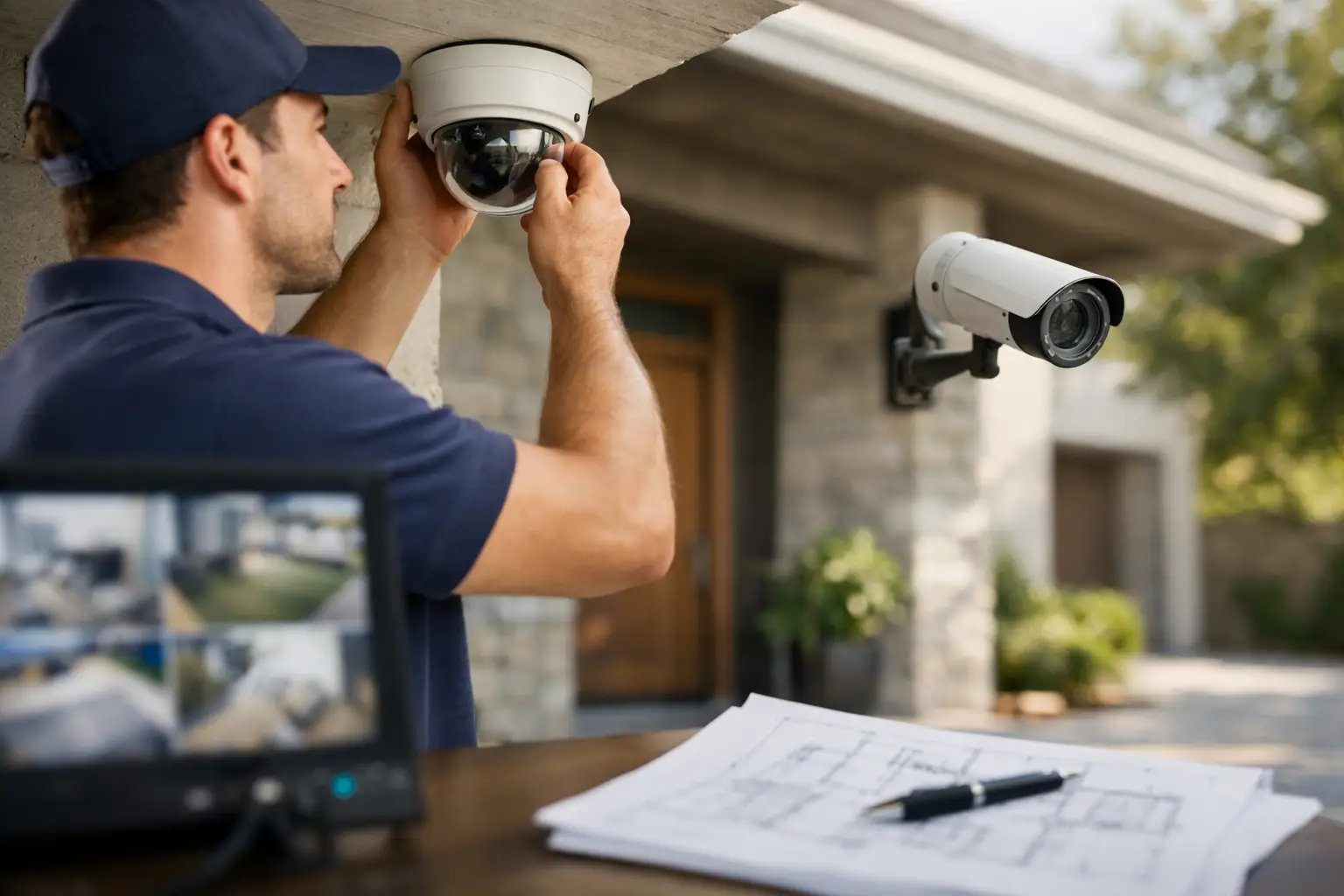
A camera can be expensive, high-resolution and packed with useful features, yet still miss the moment that matters if it is aimed at the wrong spot. The best security camera placement tips focus on what a camera needs to prove: who approached, where they came from, what happened, and where they went next. For homes and businesses, thoughtful positioning delivers better evidence, fewer blind spots and a system that genuinely supports day-to-day security.
Before selecting mounting points, walk around the property at different times of day. Consider how people, vehicles and deliveries move through the site, where a person could approach without being seen, and which areas hold valuable assets. A camera plan should follow real activity, not simply place a camera above every door.
Start with the property’s key access points
Entry and exit points deserve priority because they provide the clearest record of who comes and goes. At a home, this usually means the front door, driveway, side gate, rear door and any garage access. In a commercial setting, look at customer entrances, staff doors, loading areas, gates, car parks and access-controlled doors.
Place cameras so faces are visible as people approach, rather than relying on a high, wide view that only captures the top of a head. A camera at the front door should generally look across the approach path or porch, not straight down from the eave. This creates a more useful angle for identification while still covering parcels left at the door.
Driveways need a slightly different approach. Position the camera to capture vehicles entering and leaving, with a clear view of drivers where practical. Avoid aiming directly into headlights, particularly if the camera is expected to record at night. A second angle may be worthwhile for longer driveways, shared accessways or areas where vehicles can turn around out of view.
Security camera placement tips for clear identification
Wide-angle cameras are excellent for showing activity across a large yard, warehouse or car park, but they are not always the best choice for identifying faces at a distance. The wider the view, the smaller each person appears in the footage. This is a common reason footage looks useful at first glance but cannot answer the key question of who was involved.
Where identification matters, position the camera closer to the point people must pass through. For example, a camera covering the side gate should be close enough to capture a face as someone enters, while another wider camera can monitor the full side passage. Combining overview and identification views is often more effective than expecting one camera to do both jobs.
Mounting height also matters. Around 2.4 to 3 metres is often a practical range for external cameras: high enough to discourage tampering, low enough to capture recognisable facial detail. The ideal height depends on the lens, field of view and location. A licensed security installer can set the final angle after checking the live image, rather than relying on guesswork from the ground.
Cover the paths between cameras
A camera system works best when it tells a continuous story. If a person can move from a gate to a rear door without appearing on camera, there is a gap worth addressing. Think about the routes an intruder, visitor, contractor or employee would realistically take.
For homes, side passages and rear yards are frequently overlooked. They may be less visible from the street, often have limited lighting, and can give access to windows, sheds or rear doors. A camera aimed along the length of a narrow passage can provide strong coverage, provided nearby fencing, downpipes or vegetation are not blocking the view.
For businesses, pay close attention to loading docks, bin areas, rear service doors and the transition between a car park and the building. These areas may be quiet after hours but can be vulnerable to unauthorised access. Cameras should also cover the route from the point of entry to high-value stock, cash-handling areas or equipment rooms.
Use lighting to improve footage after dark
Night vision is valuable, but it has limits. Cameras often struggle when a bright light source sits behind the subject, such as a porch light, streetlight or vehicle headlights. The result can be a dark silhouette where a face should be.
Good external lighting gives cameras a better chance of recording useful colour and detail. Sensor lighting around entrances, driveways and walkways can also discourage unwanted activity. The goal is not to flood the whole property with harsh light. It is to light the areas a person is likely to use, without creating glare or shining into neighbouring homes.
Check camera footage after dark before considering the installation finished. Look for reflections from windows, metal roofing, glossy walls and nearby signs. Infrared night vision can bounce back from these surfaces, producing haze or bright patches that hide important detail. Sometimes a small adjustment to the mounting angle solves the problem.
Avoid common obstructions and false alerts
A clear view on installation day may not stay clear for long. Tree branches grow, garden plants fill out, cobwebs build around cameras and seasonal weather changes the scene. Position cameras away from overhanging foliage where possible, especially if motion alerts are enabled. Moving leaves and branches can trigger constant notifications and make it harder to spot genuine events.
Do not mount a camera behind glass if you expect it to use infrared night vision. At night, infrared light reflects off the glass and can obscure the image. Indoor cameras looking through a window may work in daylight, but a purpose-mounted external camera will provide more reliable coverage around the clock.
Consider the weather as well. External cameras need suitable weather protection, secure mounting and cable runs that are protected from damage. In coastal locations, salt air can be particularly demanding on fittings and equipment. A professionally installed system is designed around the conditions it will face, not just the first week of use.
Protect privacy while securing your property
Cameras should monitor your property and the activity directly connected to it. Avoid aiming into a neighbour’s windows, private outdoor areas or spaces where people reasonably expect privacy. For businesses, be cautious around staff amenities, change rooms and other private areas. Cameras should never be installed in bathrooms or changing facilities.
If a camera needs to capture part of a public footpath, shared driveway or neighbouring boundary to protect an entry point, use privacy masking or adjust the angle to limit unnecessary coverage. This keeps the system focused on security and helps maintain good relationships with neighbours, tenants and staff.
Audio recording requires extra care. Rules and expectations can vary, and people may not realise a conversation is being recorded. If audio is enabled, obtain appropriate advice and make sure the setup suits the property and intended use.
Plan power, connectivity and recording from the beginning
Camera placement is not only about the view. Each location needs dependable power, a secure connection and a recording plan that suits the property. Wireless cameras can be convenient, but signal strength can drop through brick walls, metal cladding, concrete floors and across large sites. Battery cameras can be useful in selected locations, though they need charging and may record shorter clips to preserve battery life.
For permanent coverage of critical areas, hardwired cameras are often the more dependable option. They can provide continuous power, stable recording and cleaner installation when planned alongside electrical work, renovations or new builds. Recording equipment should be positioned securely and, where possible, protected from easy access if someone enters the building.
Think about how long footage needs to be retained. A small home may need a different retention period from a busy business with multiple cameras and frequent activity. Higher resolution, continuous recording and extra cameras all require more storage. The right setup balances image quality, coverage and practical storage costs.
Test the system from a real-world perspective
Once cameras are installed, test them properly. Walk each entry path during daylight and after dark. Have someone approach the front door, open the gate, park in the driveway and move through side access areas. Review the recordings rather than relying only on the live view.
Check whether faces are identifiable, number plates are readable where needed, alerts arrive promptly and the camera remains useful in rain or low light. It is far easier to adjust an angle, add lighting or reposition a camera before an incident than after footage has failed to capture it.
A well-planned security system should feel unobtrusive while giving you confidence that the places which matter are covered. For tailored advice on camera positioning, lighting and reliable installation, Voltricity can assess your property and help create a practical setup built around how your home or business actually operates.